What this article involved:
- Diagnosed common issues: Identified possible reasons why a Toshiba external hard drive might not appear on a computer.
- Provided step-by-step troubleshooting: Outlined various methods to fix connection issues, driver problems, and formatting errors.
- Explored data recovery solutions: Recommended tools like Disk Drill for recovering lost or inaccessible files.
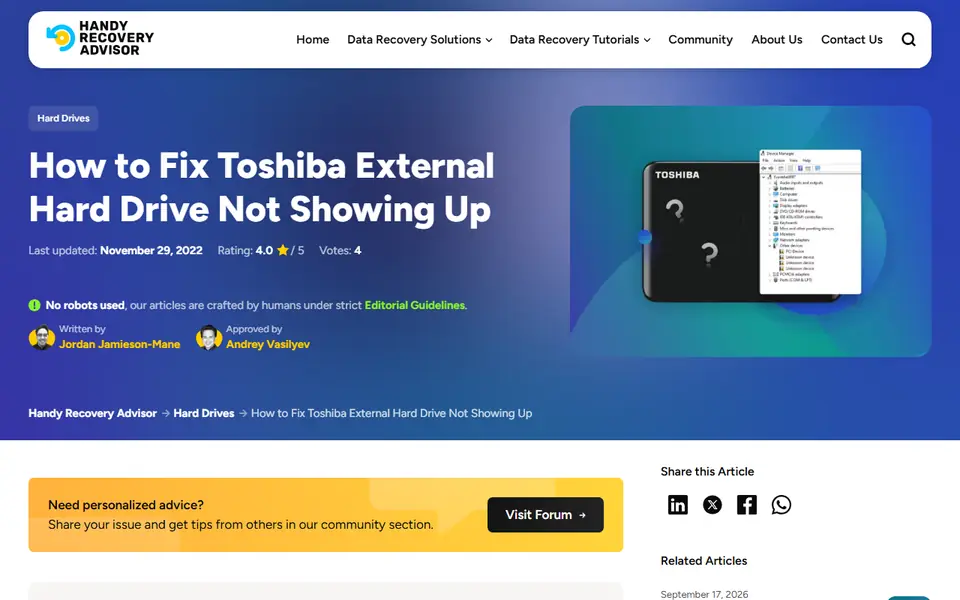
This guide helps users troubleshoot and resolve issues when a Toshiba external hard drive isn’t recognized by Windows. It explains potential causes, from faulty cables to uninitialized disks, and provides detailed solutions such as reassigning drive letters, updating drivers, and formatting the drive. The article also covers data recovery options to retrieve important files before attempting fixes that could erase data.
Read the full article on Handy Recovery: How to Fix Toshiba External Hard Drive Not Showing Up
- Hard Drives & SSDs
- Tech Guides & How-Tos
- Troubleshooting
- Windows
More like this
- Hard Drives & SSDsHow to Fix the “Parameter Is Incorrect” Error on an External Hard DriveRead the summary
- Hard Drives & SSDsHow to Fix the “Parameter Is Incorrect” Issue With an External Hard DriveRead the summary
- Hard Drives & SSDsHow to Run CHKDSK to Diagnose and Fix Disk Problems on WindowsRead the summary