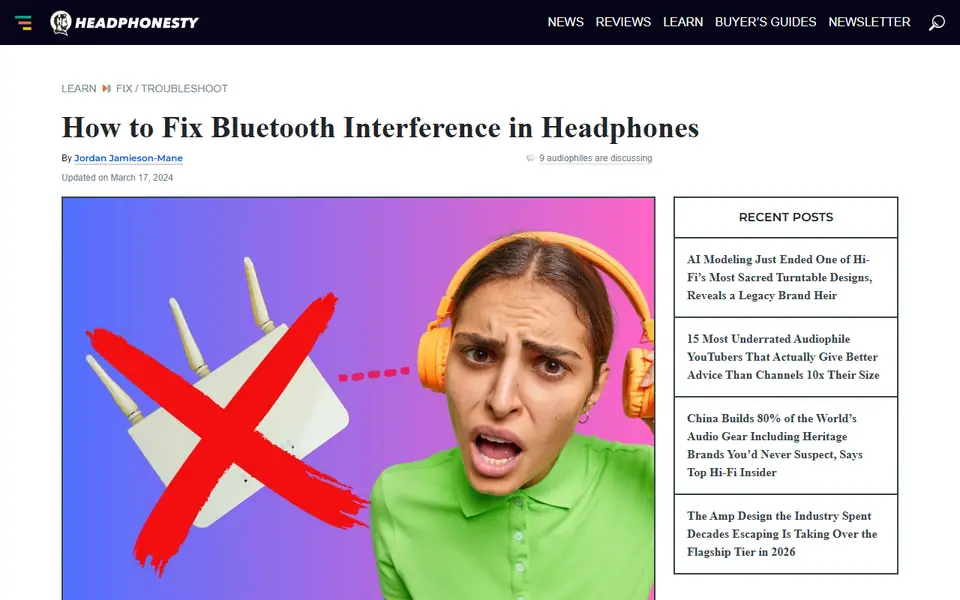
What this article involved:
- Identified common Bluetooth interference sources: Explained how devices like WiFi routers, microwaves, and other electronics can disrupt Bluetooth audio.
- Provided troubleshooting steps: Outlined practical solutions, such as changing WiFi channels, staying within range limits, and avoiding physical obstructions.
- Explored firmware updates and resets: Highlighted how regular firmware updates and resets can resolve connectivity issues.
This article serves as a comprehensive guide to diagnosing and fixing Bluetooth interference in headphones. It covers various factors that can degrade audio quality, from environmental interference to outdated firmware. Readers will learn actionable steps to improve their Bluetooth connection, ensuring a smooth listening experience.
See the full article on Headphonesty: How to Fix Bluetooth Interference in Headphones
- Bluetooth
- Headphones & Audio Gear
- Sound Quality
- Troubleshooting