What this article involved:
- Identified common causes of USB recognition errors: Explained why Windows 10/11 might fail to recognize a USB device.
- Provided a structured troubleshooting approach: Offered a step-by-step guide with solutions tailored to different symptoms.
- Covered advanced fixes and data recovery methods: Included driver updates, BIOS checks, power settings adjustments, and recovery software recommendations.
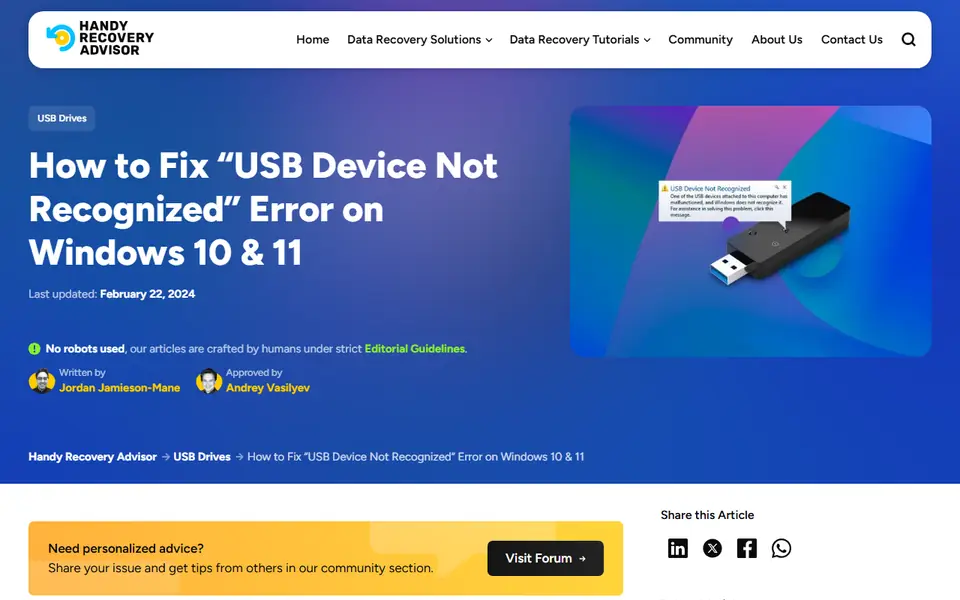
This guide helps users resolve the “USB Device Not Recognized” error on Windows 10/11. It explores common causes like driver issues, power management settings, and physical connection problems. The article outlines multiple troubleshooting steps, from basic fixes like restarting the computer to advanced solutions like reinstalling USB drivers and updating the BIOS. Additionally, it provides data recovery options for retrieving lost files from an unrecognized USB drive.
Read the full article on Handy Recovery: How to Fix “USB Device Not Recognized” Error on Windows 10 & 11
- Tech Guides & How-Tos
- Troubleshooting
- USB & Flash Drives
- Windows